IPTV on Xbox and PlayStation: What Actually Works Today
·7 min read
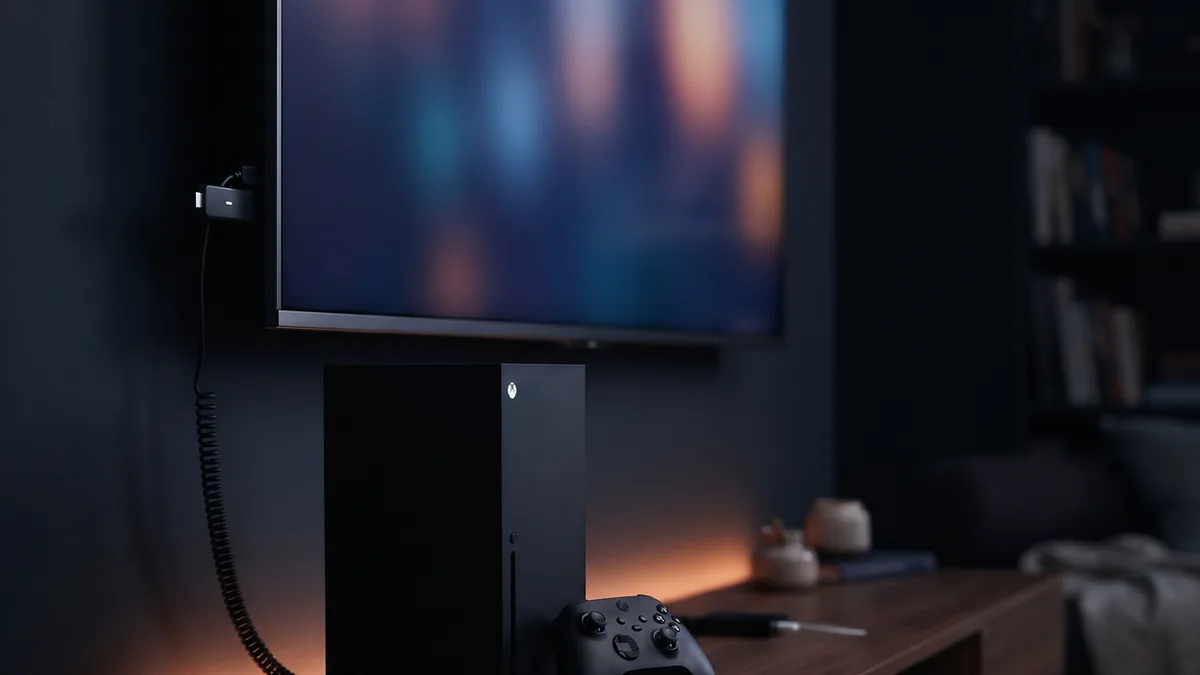
Yes, you can watch IPTV on Xbox: the Microsoft Store has players that open an M3U playlist, plus Kodi. On PlayStation 5 there is no IPTV player in the PlayStation Store and no official web browser either; for PS5 owners the practical answer is a separate streaming device plugged into the TV.
Which apps are on Xbox?
| App | Playlist type | Notes |
|---|---|---|
| MyIPTV Player | M3U link and XMLTV guide | Listed in the Microsoft Store for Windows and Xbox |
| Kodi | M3U through the PVR IPTV Simple Client add-on | Free and open source; setup takes longer |
| VLC | M3U link | No guide or categories; useful as a backup |
Whether these apps appear in the Microsoft Store can vary by region, so search the console's store before you plan around one. Popular Android players such as TiviMate and IPTV Smarters Pro have no Xbox version.
Using your Xtream details on Xbox
Most Xbox players accept an M3U link rather than an Xtream Codes login. Your plan's server, username and password also produce an M3U link, which support can send you. Typing a long address with a controller is tedious; a USB keyboard plugged into the Xbox makes it easier. Do not run the link through a URL shortener: it contains your username and password.
- 01Install the player from the Microsoft StoreOpen the Store on the Xbox, search for the player and install it. MyIPTV Player is the simplest option; Kodi offers more settings.
- 02Add the M3U linkIn MyIPTV Player, add a new remote channel list in settings and paste the M3U link. In Kodi, enable PVR IPTV Simple Client under Add-ons > My add-ons > PVR clients, then enter the link in its configuration.
- 03Add the guide addressIf the guide is empty, add the XMLTV EPG address in the relevant field. If times are shifted, check the time zone setting.
- 04Connect by cableThe Xbox has an Ethernet port. If the console is far from the router, a cable keeps the stream far more stable than Wi-Fi.
Some users report stutters when changing channels in the Xbox version of Kodi. If MyIPTV Player works for you, there is no reason to switch.
Why is there no IPTV on PS5?
The PlayStation Store only carries streaming apps Sony has approved, and none of them is an IPTV player that opens your own playlist. Installing apps from outside the store is not possible. There is a hidden browser that opens on account-linking screens, but Sony does not offer it as an app, it is weak at video playback, and the way to reach it can change with system updates. The Media Player app plays files from USB; it was not built for a live IPTV playlist.
What should a PlayStation owner do?
| Option | What you need | Result |
|---|---|---|
| The TV's own app | An IPTV player on the smart TV | No extra device |
| Streaming stick or Android TV box | A free HDMI input on the TV | Every Android player, TiviMate included |
| Hidden browser on the console | A web-based player | Unreliable; not recommended for daily use |
The cleanest route is a streaming stick in the TV's second HDMI input. Console and stick share the TV, you switch inputs with the remote, you never have to quit a game to watch a match, and the stick draws far less power than the console.
If HDMI device link (HDMI-CEC) is on, the TV can jump to the PS5's input when the console wakes. That can be confusing alongside a stick: if the console wakes for an update while you are watching, the screen may switch to it. Turning the option off in the HDMI section of the PS5's system settings fixes this.
Before you watch on Xbox
- A console draws noticeably more power than a streaming stick; if you watch for hours every evening, that shows on the electricity bill.
- With a game suspended in the background, the player shares memory with it; if the stream stutters, close the suspended game.
- Streaming on the console while another device streams too counts as two simultaneous connections.
Xbox One versus Series X|S
Microsoft Store apps run on both generations; the difference is performance. Series X and Series S load the channel list faster and menus stay smoother with long lists. On an older Xbox One the first load of a list with thousands of channels can take a while; showing only the categories you watch, from the player's settings, shortens it.
Is the PS4 any different?
The PS4 does have Sony's own Internet Browser app; the PS5 does not. Web-based players can open in it, but support for live streaming formats is limited and it is unstable over long sessions. Like the PS5, the PS4 does not allow apps from outside the store, so on both consoles a separate streaming device is the lasting fix.
If a stream will not play on Xbox
- Try the link in VLC on a computer. If it fails there too, the problem is the link, not the console.
- If the channel list loads but the picture stays black, try a different playback engine if the player's settings offer one.
- If the list does not load at all, make sure the whole M3U link was copied; if one of the parameters at the end is missing, the server returns an empty list.
- Changing the console's DNS to 1.1.1.1 or 8.8.8.8 under Settings > General > Network settings > Advanced settings fixes connection problems on some lines.